
Pick
Sample a color from a photo, the screen, or enter a HEX or RGB code directly.
A color library for iPhone and Mac
Palette+ lets you collect colors from photos or codes, organize them into palettes, and use them wherever you work.
What it does
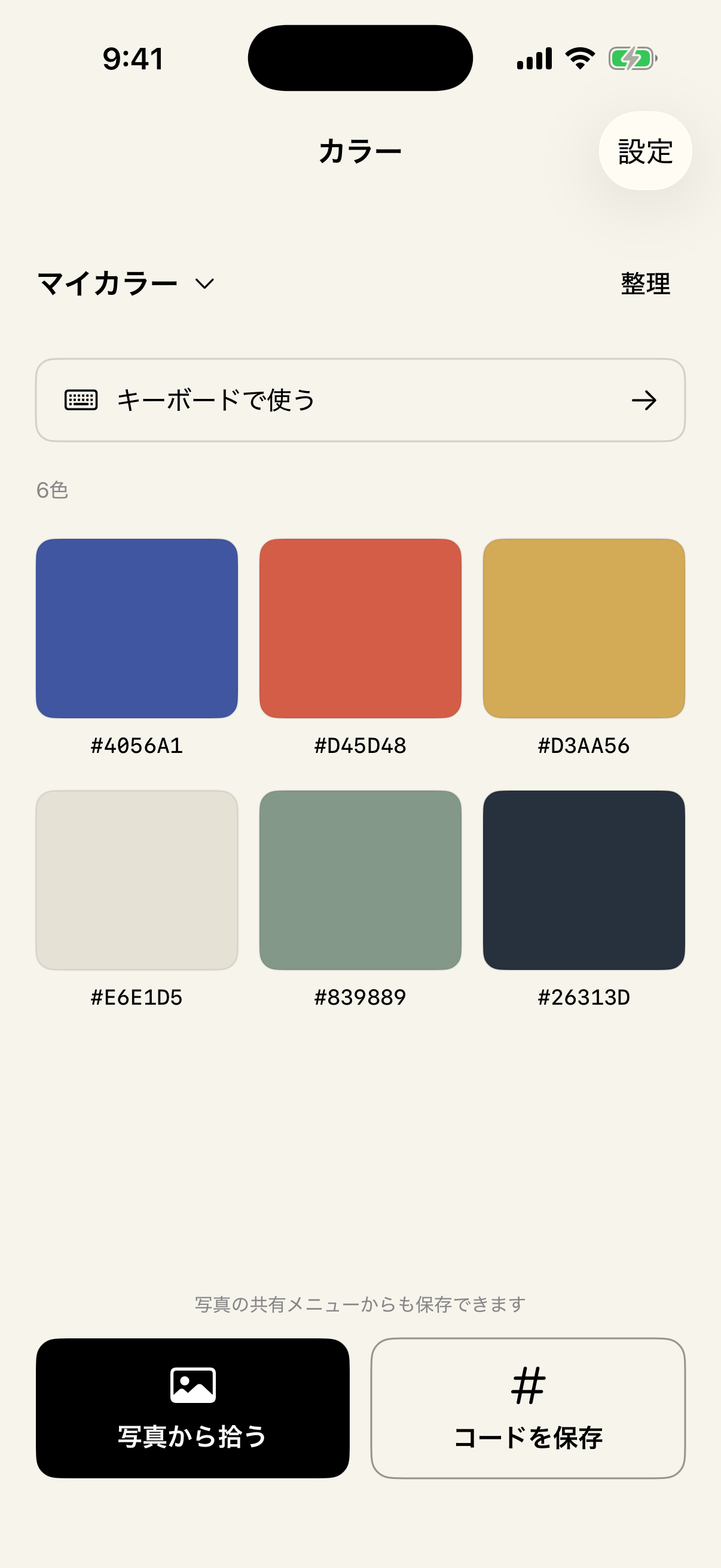
Sample a color from a photo, the screen, or enter a HEX or RGB code directly.
Name colors, group them into palettes, and keep a quick palette for frequent choices.
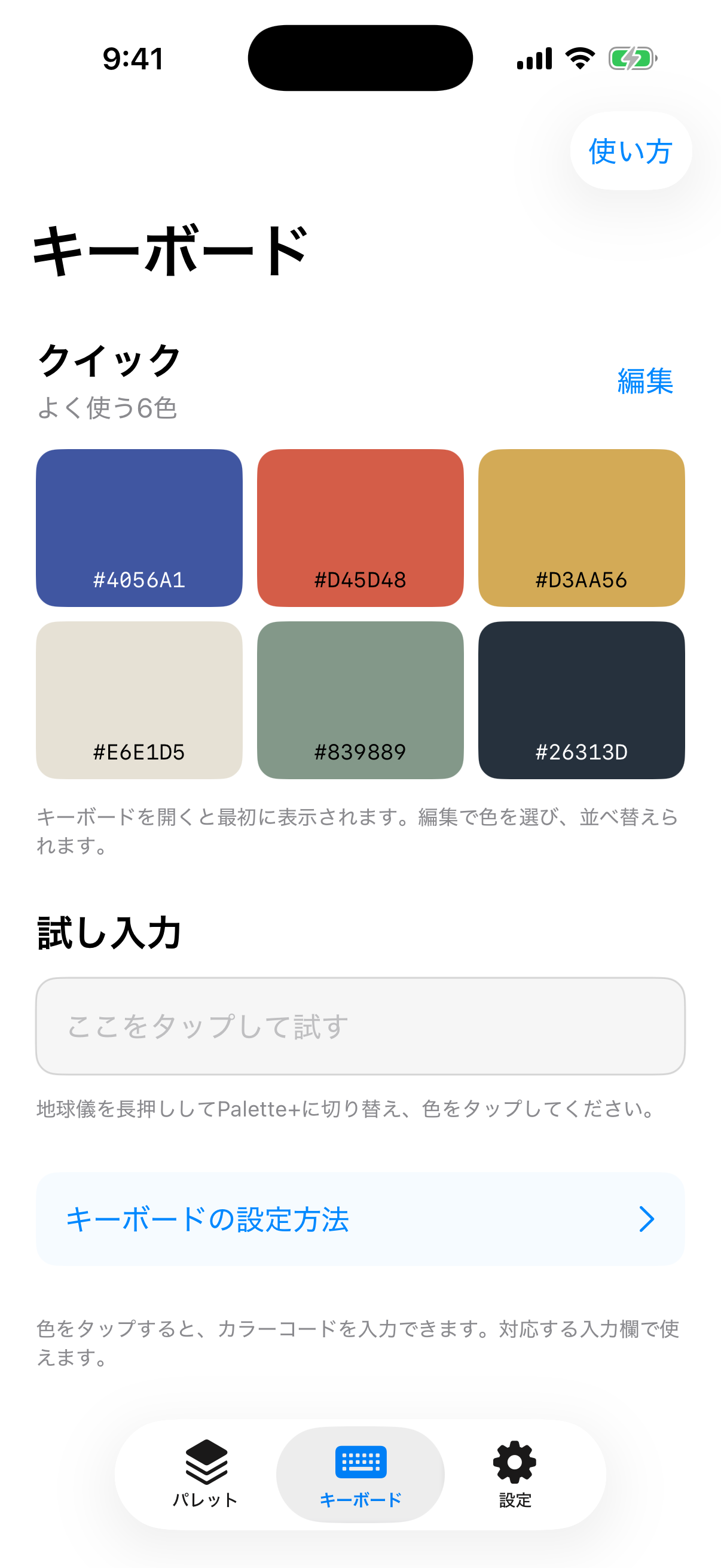
Insert saved codes from the iPhone keyboard or copy them from the Mac quick palette.
One library
Palette+ syncs your library through your private iCloud database. The iPhone app, keyboard, and Mac app stay centered on the same saved colors.
Privacy by design
Palette+ has no advertising, analytics, or tracking SDK. Selected photos are used to sample colors and are not stored. The keyboard does not store or transmit what you type.
Read the privacy policy →